What Does a Trustworthy Backup Solution Actually Need?
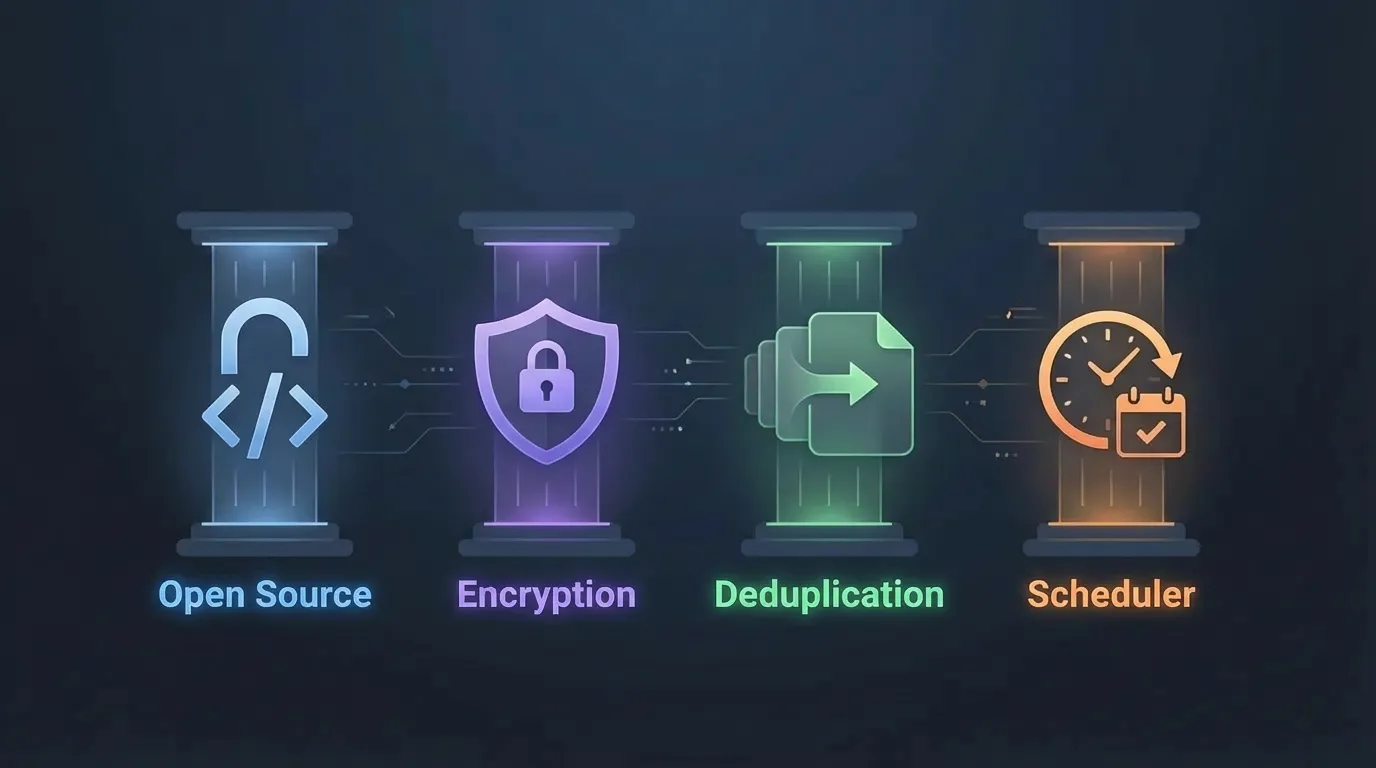
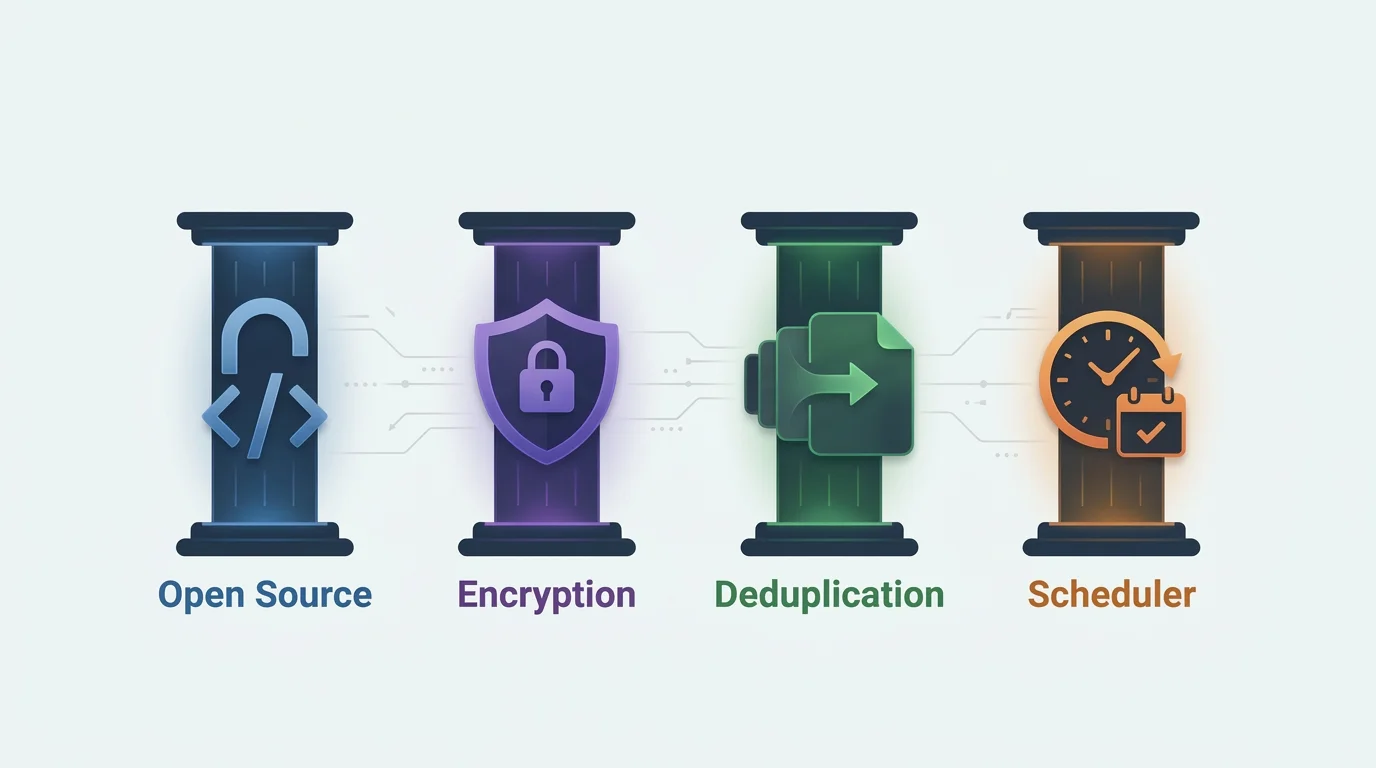
The four pillars every good backup tool needs: open source, encryption, deduplication, and scheduling.
Ever lost a file and panicked? Or worse, your whole drive? In 2026, data disasters happen daily. Ransomware, hardware fails, or just "oops" deletions. We trust big tech like Dropbox or Google Drive with our stuff, but they often lack transparency, true encryption, or the control you need for serious backups.
Big topic, but let's zoom in on backups. What do the pros swear by? Here's my take on the essentials.
The Four Pillars for a Good Backup Tool
1. Open Source
I operate under a simple premise: whatever can be done, will be done. Closed source software? Anyone can sneak in spyware, tracking, or worse. You have no way to verify what's actually happening to your data. Open source means transparency. It means trust you can verify.
2. Encryption
Your backups contain your life's data. Photos, documents, secrets. Without strong encryption, they're vulnerable to breaches or prying eyes. Built-in, end-to-end encryption ensures only you can access your data, even if the storage is compromised. No backdoors, no compromises.
3. Deduplication
A good backup tool only stores what actually changed. Not a full copy every time. This makes backups dramatically faster and uses a fraction of the storage space. Without deduplication, you're wasting both time and disk space on redundant data.
4. Automation
Backups you have to remember to run are backups that won't happen. Automation isn't a nice-to-have. It's essential. Whether a tool has a built-in scheduler or works seamlessly with cron, systemd timers, or wrapper scripts, the key is that it must be fully automatable. Set it once, forget about it.
Tools That Meet These Requirements
There are many open source backup tools out there, each with different strengths. For this article, I'm comparing three of the most notable options: Borg and Restic as the established veterans, and Kopia as a strong modern alternative.
Borg Backup
⭐ 13.7k Since 2015Python/C
AES-256-CTR + HMAC-SHA256
lz4, zstd, zlib, lzma
Local, SSH
cron / systemd / borgmatic
BSD-3
Pros
- • Battle-tested for nearly a decade with active community
- • Extremely fast and storage-efficient deduplication
- • Strong built-in encryption (AES-256-CTR + HMAC-SHA256)
- • Multiple compression options (lz4, zstd, zlib, lzma)
- • Mountable backups via FUSE
- • Low memory usage and efficient pruning
- • Native append-only mode for ransomware protection
Cons
- • CLI-only by default
- • Limited backends (local, SSH; requires server-side Borg)
- • Complex to configure
- • Not optimized for multi-system shared
CLI wrappers: borgmatic
GUI tools: Arco Backup, Vorta, Pika Backup
Restic
⭐ 36.1k Since 2014Go
AES-256-CTR-Poly1305
zstd
S3, B2, GCS, Azure, SFTP, REST, Rclone
cron / systemd / autorestic
BSD-2
Pros
- • Battle-tested for over a decade with huge community
- • Many backends (S3, B2, Azure, GCS, SFTP, REST, etc.)
- • Cross-platform single binary
- • Supports multi-system deduplication in one repo
- • Easy cloud setup (no server software needed)
- • Strong encryption and built-in compression (zstd)
Cons
- • Repo format changes require migrations
- • High memory usage during operations
- • Slow pruning and verification
- • Less efficient in some storage/bandwidth scenarios
CLI wrappers: autorestic, resticprofile
GUI tools: Backrest, Restic Browser
Kopia
⭐ 14.1k Since 2019Go
AES-256-GCM, ChaCha20
zstd, s2, pgzip
S3, B2, GCS, Azure, SFTP, Rclone, WebDAV
Built-in policies
Apache-2.0
Pros
- • Built-in web UI and desktop app (KopiaUI)
- • Built-in scheduling via snapshot policies
- • Many cloud backends (S3, B2, GCS, Azure, SFTP, Rclone, WebDAV)
- • Strong encryption (AES-256-GCM or ChaCha20-Poly1305)
- • Multiple compression options (zstd, s2, pgzip)
- • Cross-platform single binary (Go)
- • Built-in error correction (Reed-Solomon) and automatic maintenance
Cons
- • Younger project (since 2019), less battle-tested
- • Smaller community than Borg/Restic
- • Fewer third-party guides and tutorials
- • Higher resource usage during operations
GUI tools: KopiaUI (built-in)
Beyond Backups: Defending Against Ransomware
Encryption and deduplication protect your data at rest and save space, but they won't help if an attacker deletes or encrypts your backups themselves. In 2026, ransomware increasingly targets backup repositories. A truly trustworthy backup strategy needs immutability.
- Borg: Excellent native append-only mode. The server can be configured to only accept new data, never delete existing archives. This is one of Borg's strongest security features.
- Restic: The official rest-server supports an append-only mode that rejects deletions. For cloud storage, Restic can be combined with immutable backends (S3 Object Lock, B2 immutable buckets), though this requires careful configuration with restricted IAM policies to work around compatibility limitations.
- Kopia: Supports immutable storage backends like S3 Object Lock. The repository server can also be configured with access controls to prevent unauthorized deletion.
The takeaway: always store at least one copy of your backups on storage that cannot be modified or deleted, even by someone with full access to your machine.
Looking for a GUI?
All three tools are CLI-first, but there are great graphical frontends available. Desktop apps like Arco, Vorta, and KopiaUI make backups accessible without touching the terminal. Self-hosted web UIs like Backrest and BorgWarehouse add monitoring and multi-machine management.
We wrote a dedicated comparison to help you pick the right one: Best Backup GUIs for Borg, Restic & Kopia.